
Sim Recipes
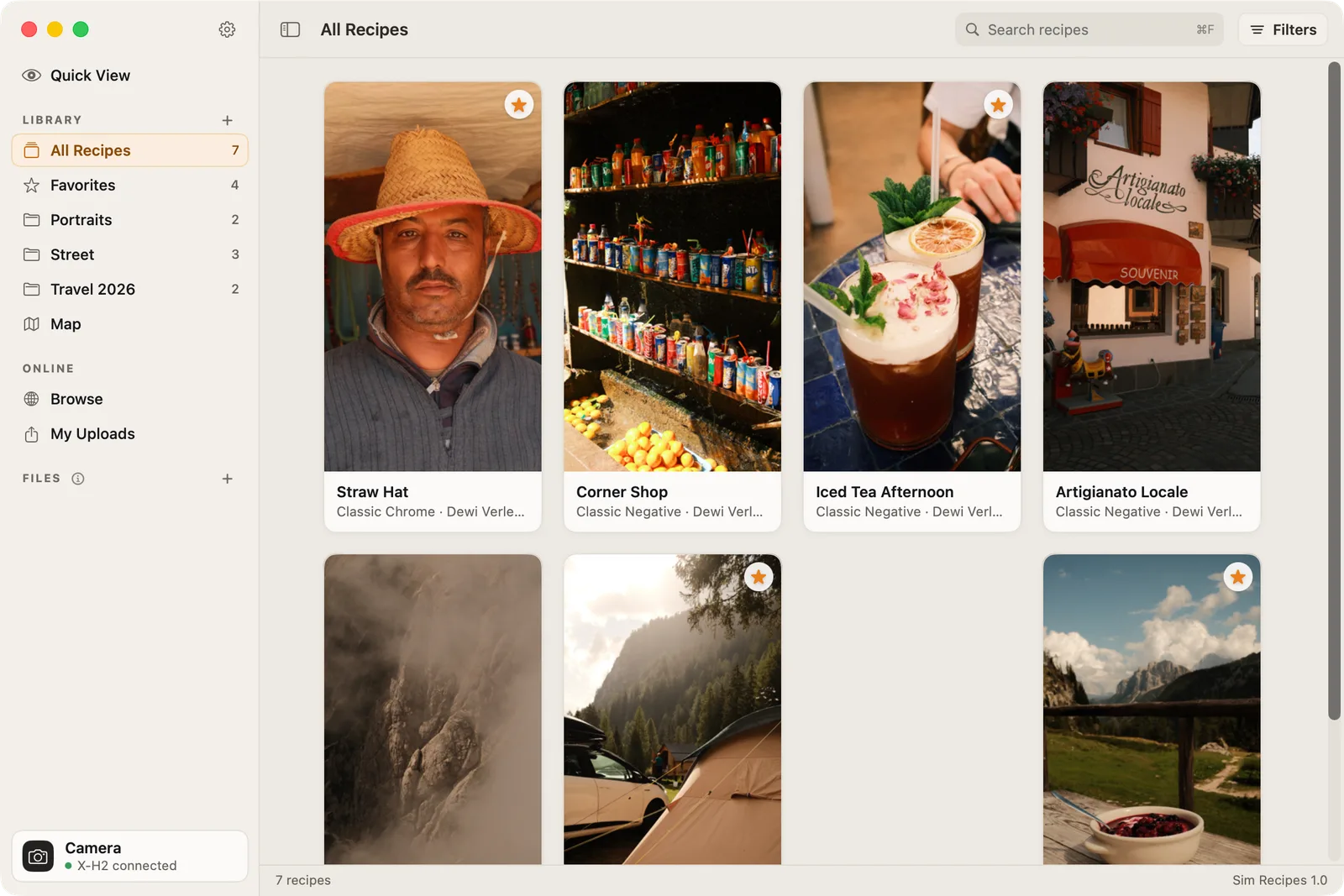
Read the film simulation recipe in your Fujifilm photos, keep the ones you like and put them on your camera.

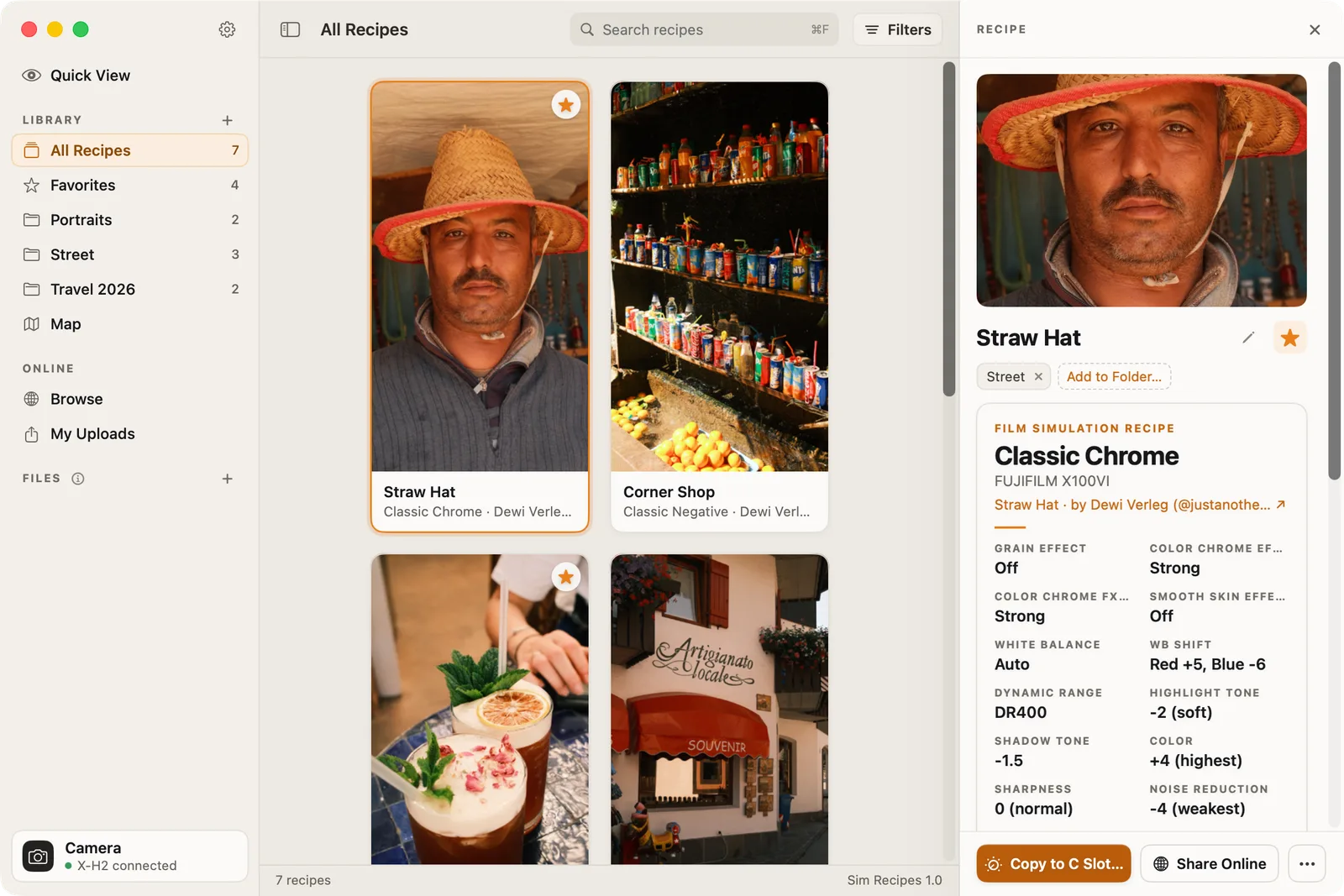
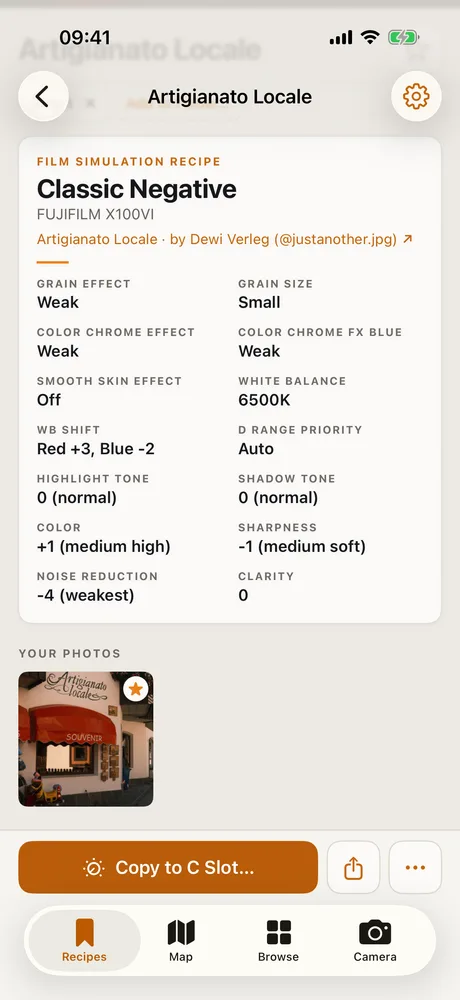
Read the recipe
Open a JPEG or a RAF file. Sim Recipes reads the settings from the embedded JPEG and the EXIF and MakerNotes: film simulation, grain, Color Chrome, white balance, highlight and shadow tone.
Photos you open stay a temporary source. Only the recipe is saved.
Your collection
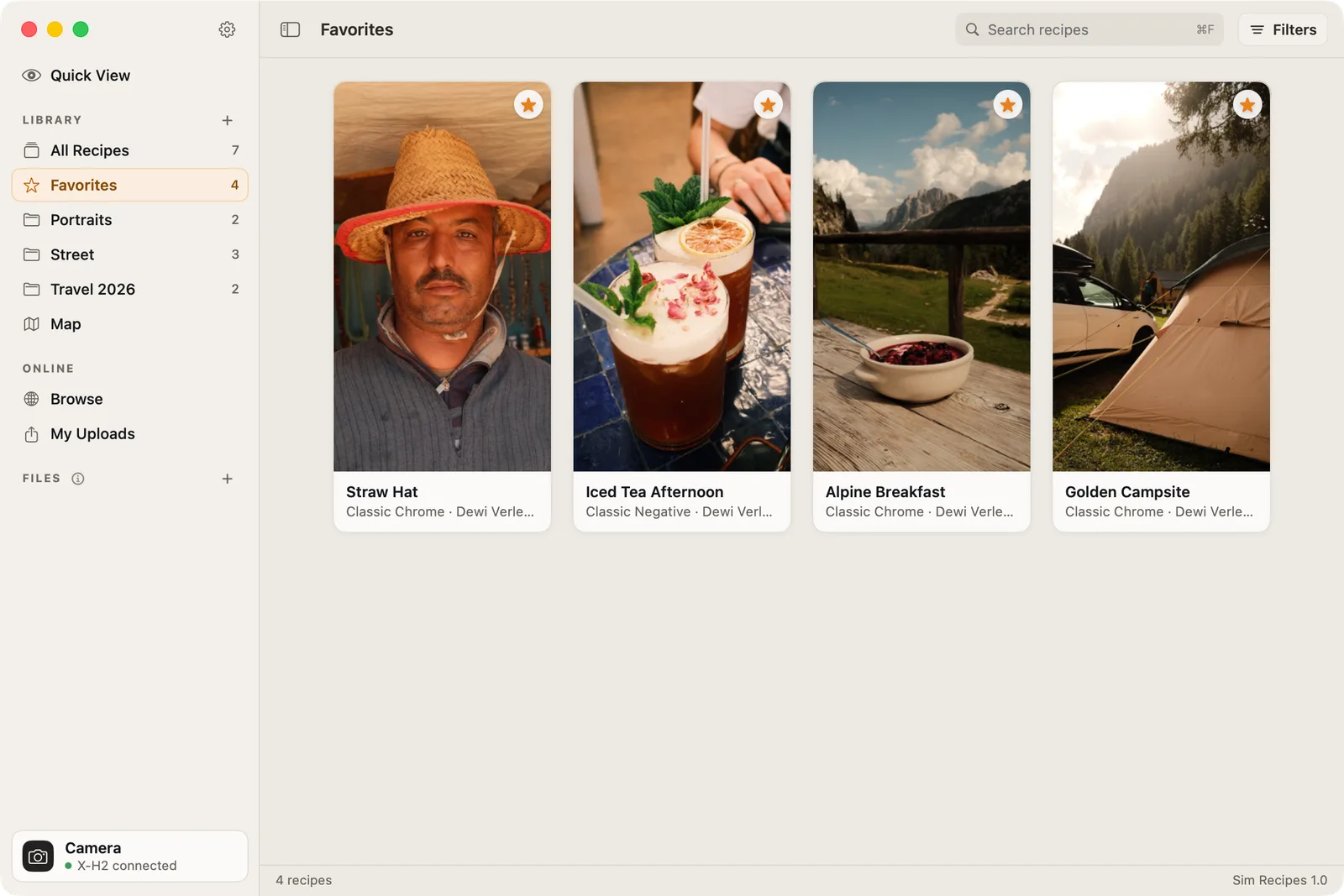
Star a recipe and it lands in Favorites. Sort the rest into folders. All Recipes shows everything in one place.
Your collection syncs between Mac and iPhone through iCloud.

Browse and share
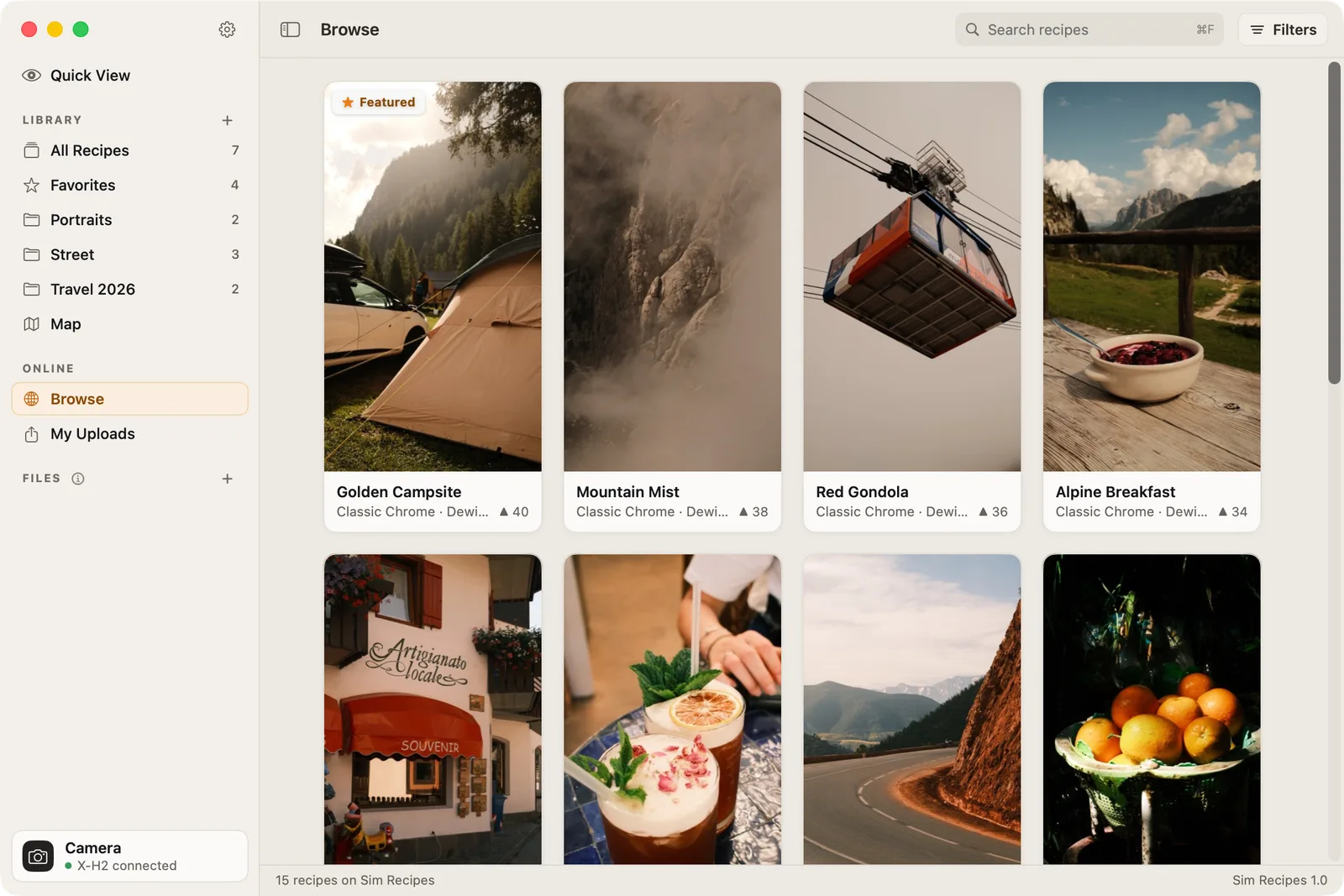
Browse recipes from other photographers on simrecipes.com. Filter by film simulation and by camera.
My Uploads holds the recipes you shared. Signing in with Apple or Google is optional. You only need it to upload.

The map
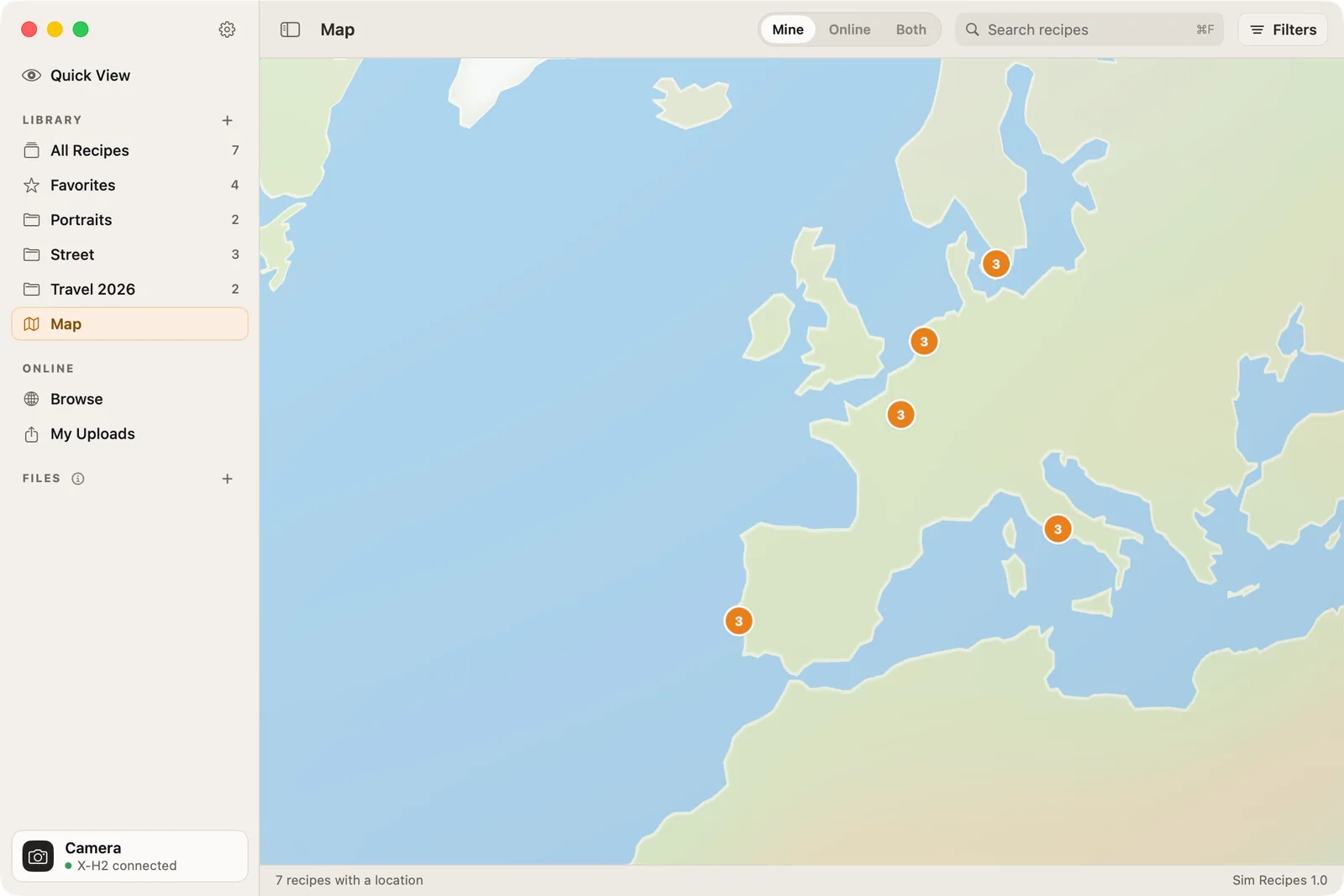
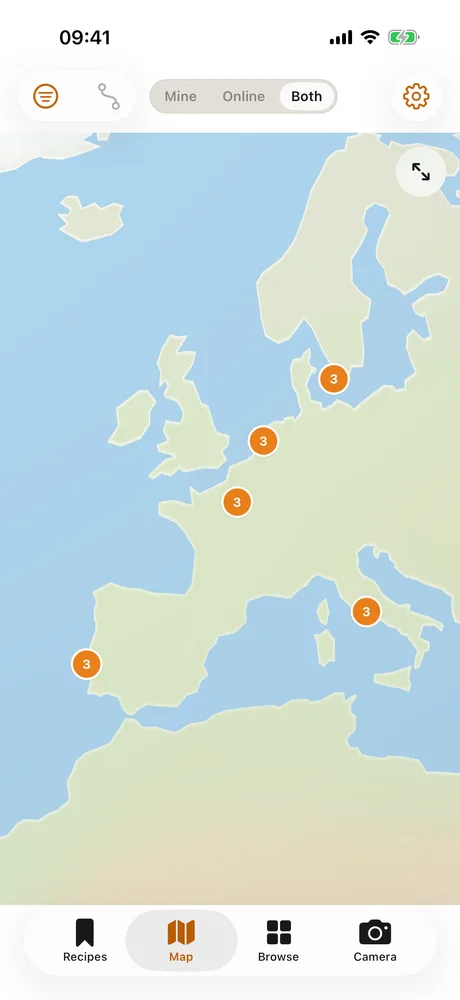
See your recipes and photos on a map.
On iPhone, a private location track matches your photos to the places you shot them. On Mac, import a GPX file instead. The track lives only in your own iCloud.
Your camera
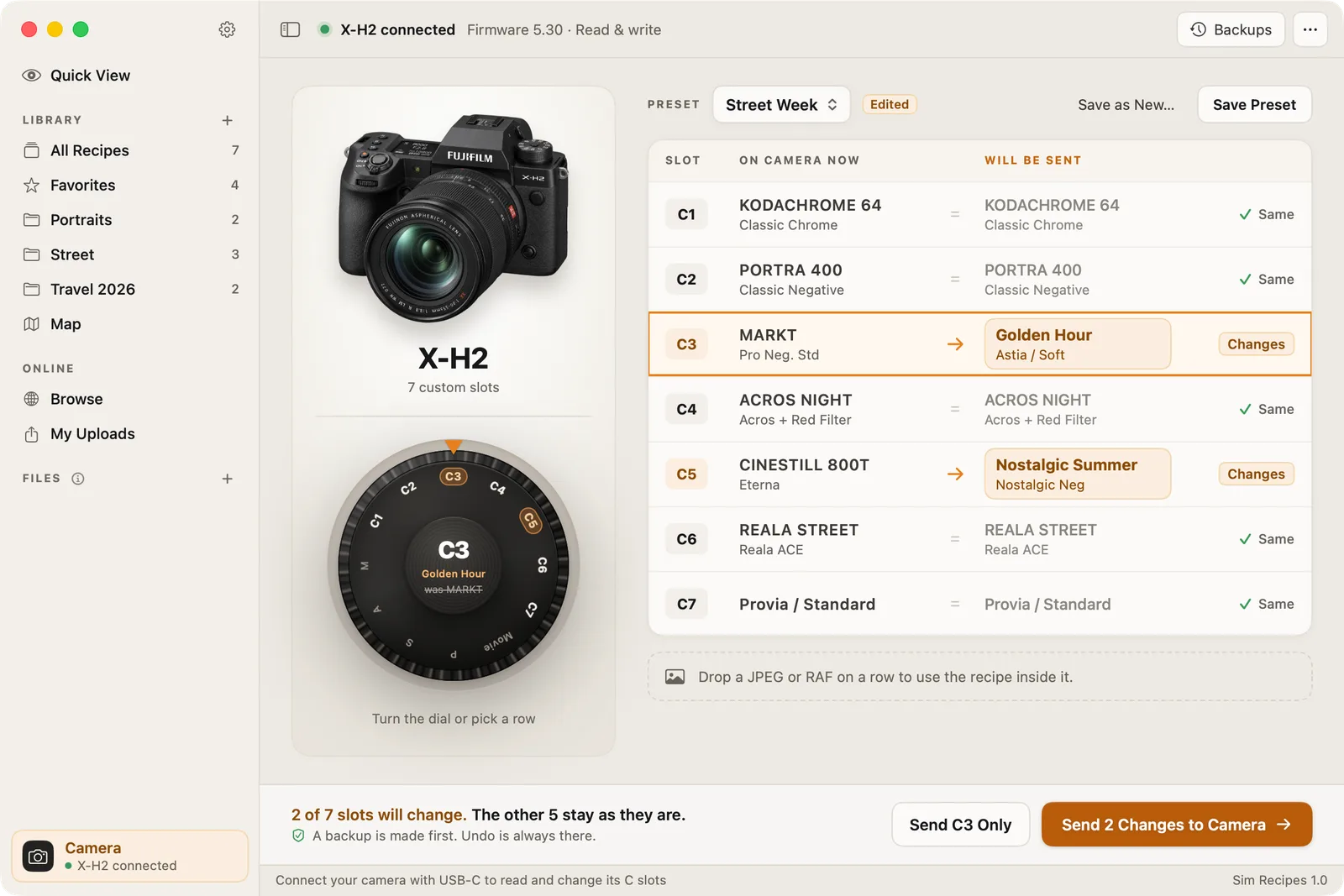
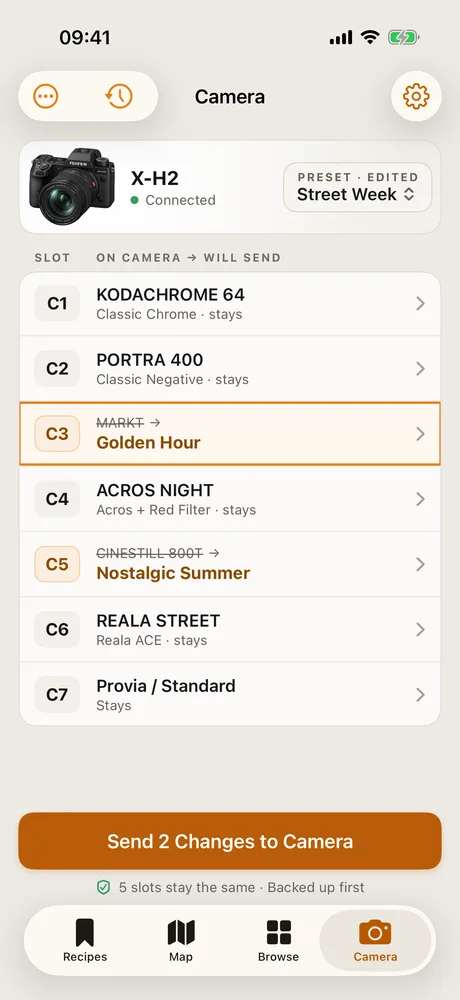
Connect a Fujifilm camera over USB. Read the recipes in its C slots and write a recipe to a C slot with Copy to Wheel. Writing works on the tested models, reading on more.
On Mac, drag a photo onto the Camera card. Also on Mac, browse the photos on the memory card in your camera and save their recipes. The card is only read, never changed.
One purchase
One purchase covers iPhone and Mac. iOS 17 and macOS 13 or later. No subscription, no in-app purchases, no ads, no tracking.
Sim Recipes is independent and not affiliated with or endorsed by Fujifilm.